Featured Guide
How to use a NinjaTrader divergence indicator without turning the chart into guesswork.
Read the divergence support guide if you are comparing manual RSI divergence review with a ready-made indicator workflow before buying.
Product Category
Browse Moore Tech NinjaTrader indicators built for traders who want cleaner context, clearer structure, and practical decision support.
Indicators
Each product page explains the workflow fit, product highlights, pricing, and next steps. If the product is close but not exact, use it as the starting point for a custom Moore Tech scope.
Category Path
Use this page when you want category-specific product discovery instead of one long product catalog.
Featured Guide
Read the divergence support guide if you are comparing manual RSI divergence review with a ready-made indicator workflow before buying.
Indicators
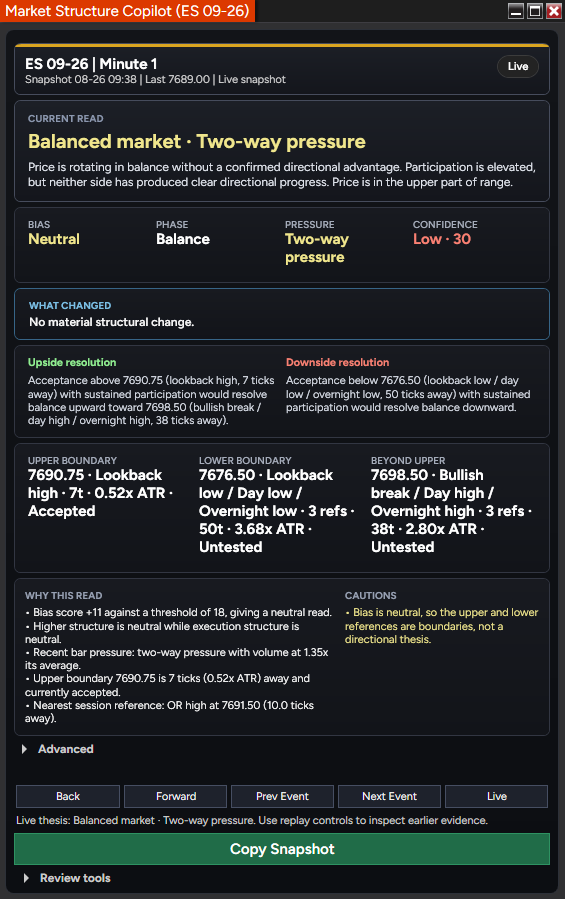
A NinjaTrader 8 market-structure indicator with six swing degrees, conditional levels, replay, expectancy tracking, and a snapshot-to-GPT review workflow.
$749.96
$999.95
October Market Structure Sale / save $249.99
Trial available
NinjaTrader 8
Indicators
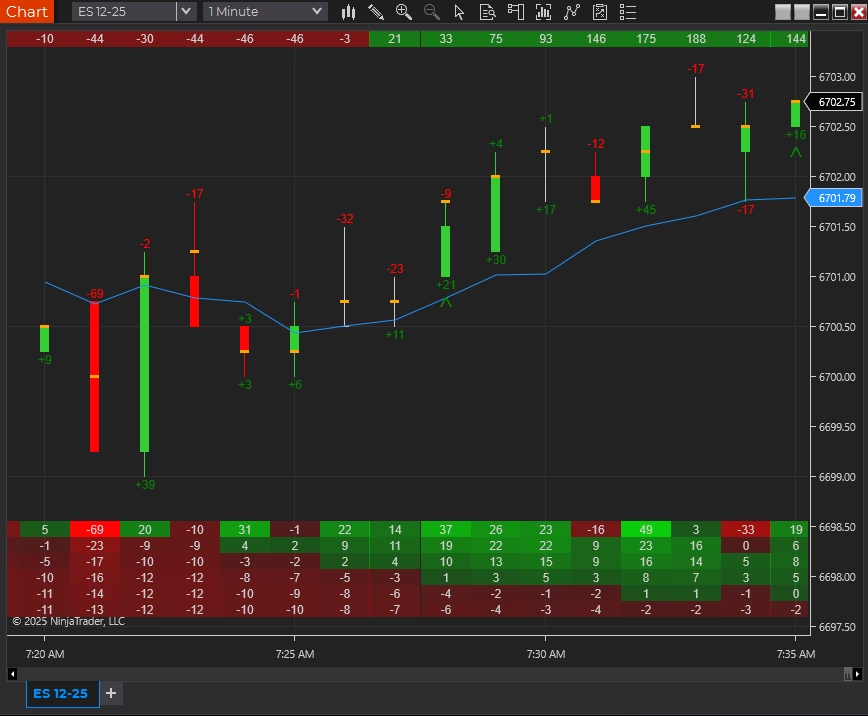
A delta and order-flow suite for traders who follow buying and selling pressure.
$299.95
Trial available
NinjaTrader 8
Indicators
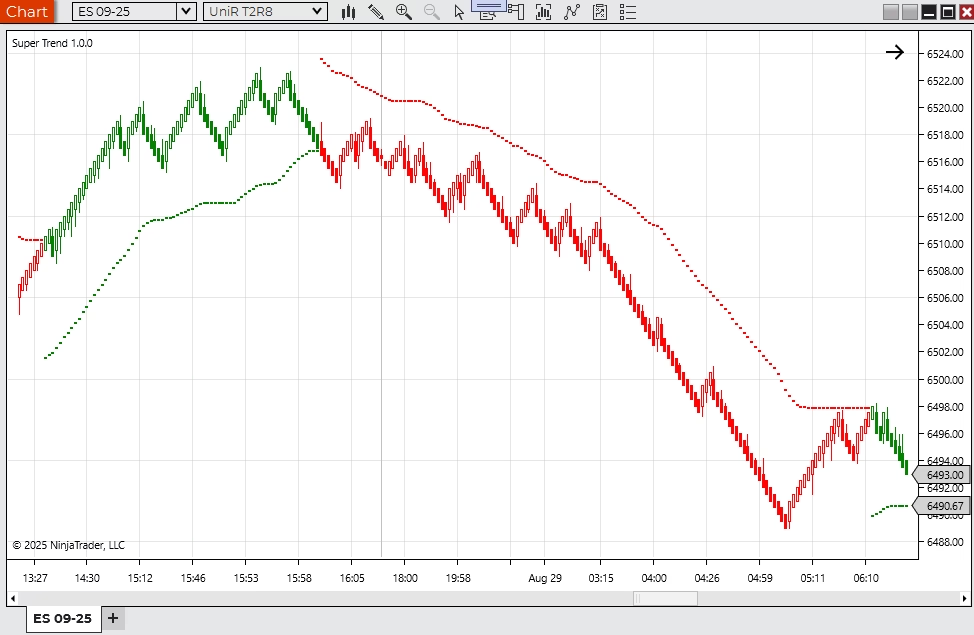
A trend-following NinjaTrader indicator with adjustable visual and alert behavior.
$199.95
Trial available
NinjaTrader 8
Indicators
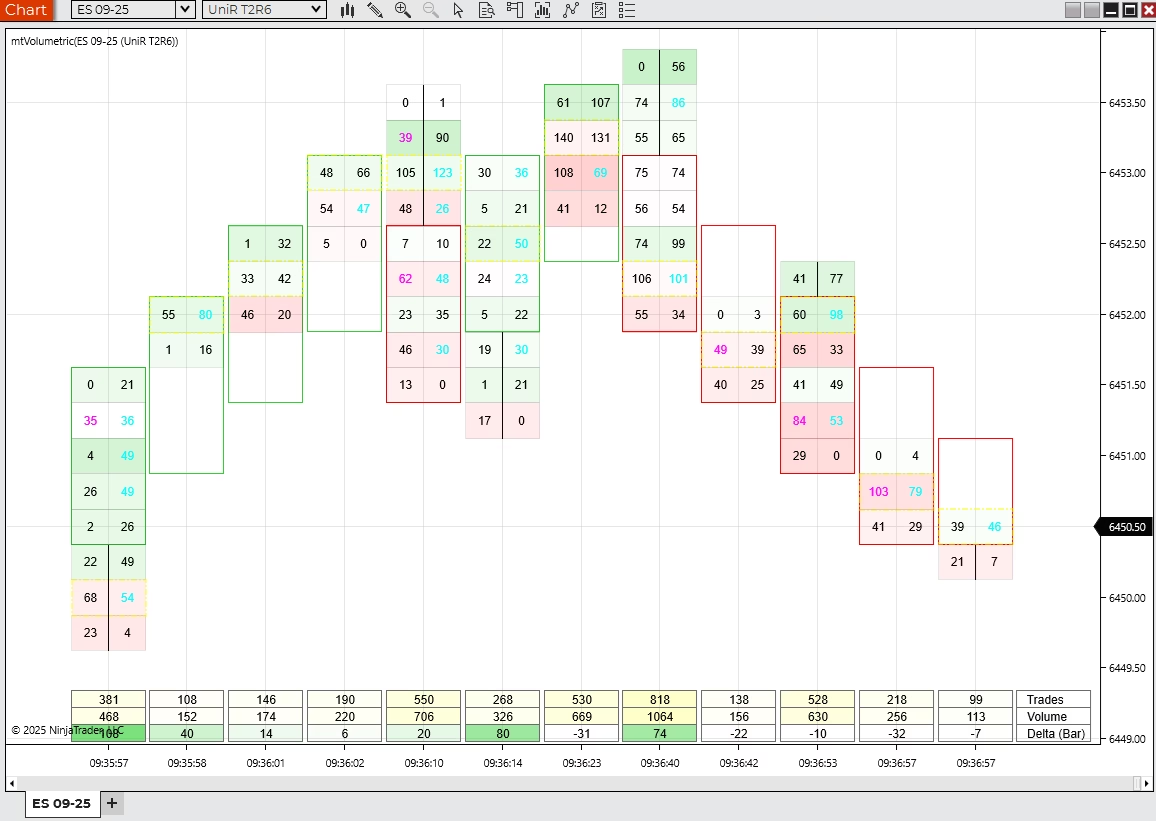
A volumetric bars indicator for bid, ask, volume, delta, and cumulative delta context.
$199.95
Trial available
NinjaTrader 8
Indicators
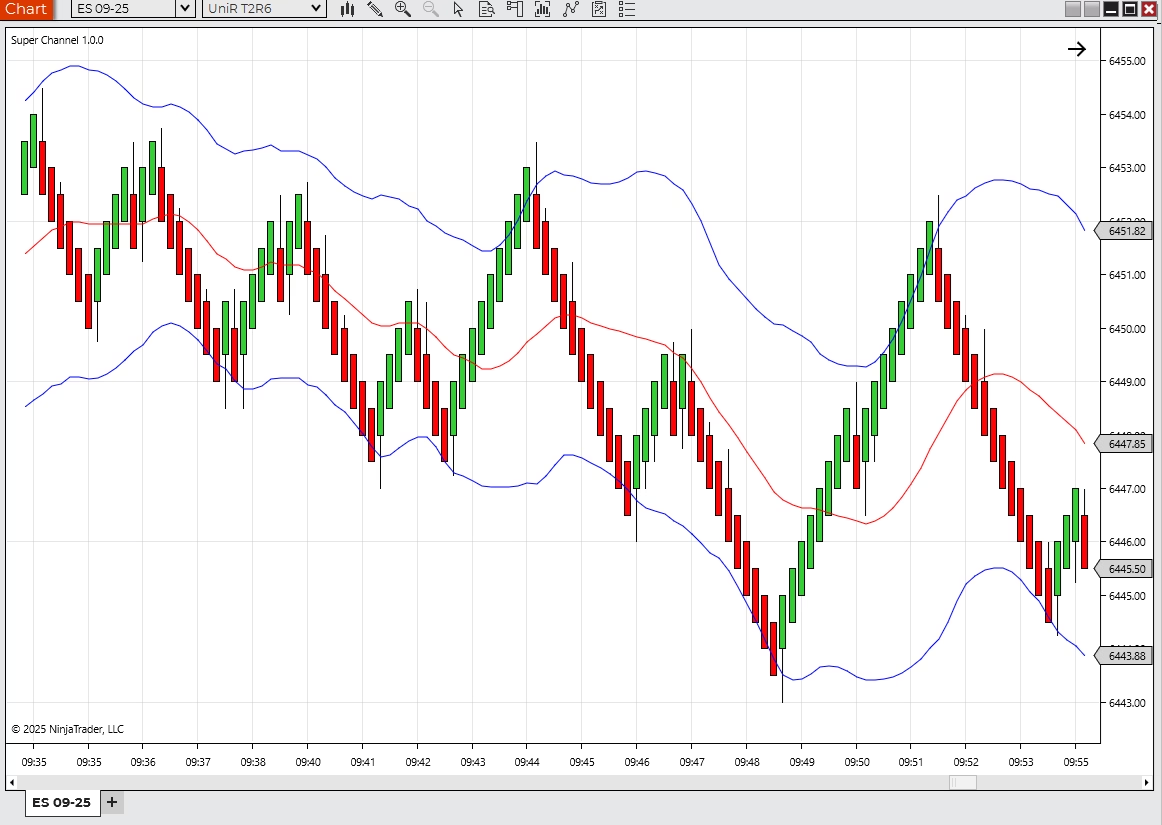
A channel-style NinjaTrader indicator for price structure and directional context.
$199.95
Trial available
NinjaTrader 8
Indicators
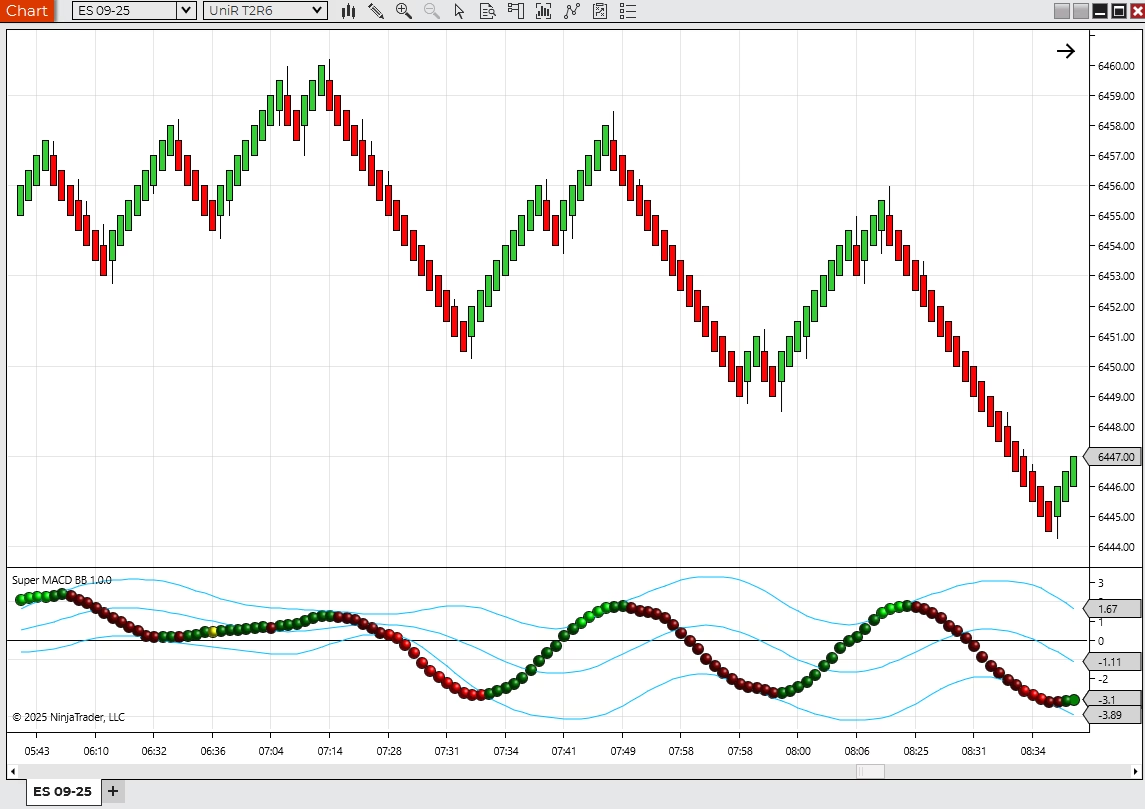
A NinjaTrader indicator that combines MACD-style momentum with band-style context.
$199.95
Trial available
NinjaTrader 8
Indicators
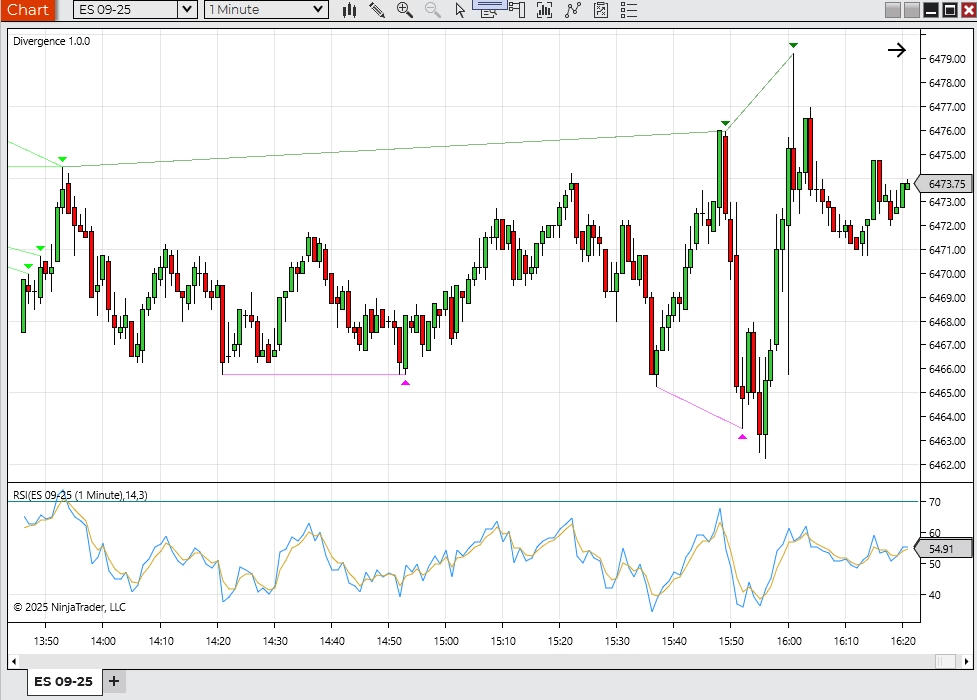
A NinjaTrader 8 divergence indicator for RSI-style momentum and price disagreement review.
$499.95
Trial available
NinjaTrader 8

Indicators
A wavelet-style NinjaTrader indicator for traders evaluating advanced signal tools.
$499.95
Trial available
NinjaTrader 8

Indicators
A pattern-recognition indicator for traders who want structured context around repeatable chart conditions.
$499.95
Trial available
NinjaTrader 8
Category Bundles
Use these bundles when one product is useful but the complete chart, order-flow, or strategy workflow needs multiple tools. The discount applies automatically when all included products are in the cart.
Bundle Offer
Includes 2 products from this category
20% off
Bundle active
Save 20% when you want a fuller order-flow read: delta context, volumetric detail, and a custom bar view in one stack.
Bundle value
$699.85
You save
$139.97
Bundle Offer
Includes 3 products from this category
20% off
Bundle active
Save 20% when you want structure, trend, and divergence tools working together for a cleaner NinjaTrader review process.
Market Structure Copilot
Indicators
Divergence Indicator
Indicators
Super Trend Indicator
Indicators
Bundle value
$1,449.86
You save
$289.97
At a Glance
Scan the focus, price, and trial availability first, then open the product pages that match your workflow.
| Product | Focus | Price | Free Trial |
|---|---|---|---|
| Market Structure Copilot | Indicator + AI Workflow | $749.96 $999.95 | Yes |
| Delta Suite | Order Flow | $299.95 | Yes |
| Super Trend Indicator | Trend Context | $199.95 | Yes |
| Volumetric Bars Indicator | Volume Profile | $199.95 | Yes |
| Super Channel Indicator | Channel Structure | $199.95 | Yes |
| Super Macd BB | Momentum Review | $199.95 | Yes |
| Divergence Indicator | Divergence Review | $499.95 | Yes |
| Super Wavelets Indicator | Signal Research | $499.95 | Yes |
| Super Price Predictor Indicator | Pattern Review | $499.95 | Yes |
Market Structure Copilot pricing reflects the October Market Structure Sale ( 25% off through October 31 at 11:59 p.m. Eastern).
How to Choose
Choose an indicator when a specific decision needs better context: structure, volume, delta, trend, momentum, divergence, or pattern behavior.
Before buying
An indicator should support a decision process. If it does not improve a specific read, it is probably not the right product.
Which part of the decision process the indicator improves
Whether it confirms, challenges, or duplicates your current tools
How clearly it communicates information without cluttering the chart
Traders who know what type of context is missing
Users comparing focused tools before custom development
NinjaTrader workspaces that need clearer review, not more noise
FAQ
Short answers to the questions buyers ask most about NinjaTrader indicators.
Start from the decision you want to improve. For momentum and reversal context, the Divergence Indicator automates regular and hidden divergence review. For order-flow context, Delta Suite and Volumetric Bars surface buying and selling pressure. For structure, Market Structure Copilot reads six swing degrees, conditional levels, replay, and expectancy context. Every indicator has a free trial, so test against your own charts.
Yes. All Moore Tech indicators in this category are built for NinjaTrader 8 and delivered as downloads with setup instructions and product support.
Signal behavior is documented per product, and the free trial exists so you can replay sessions and confirm how signals form on your own instruments and bar types before buying. If you need behavior confirmed for a specific workflow, ask before checkout and Moore Tech will answer in writing.
Yes. When a ready-made indicator is close but your rules, alerts, or display needs differ, Moore Tech builds custom NinjaScript indicators from a fixed-price quote. Buying a product first is often the cheapest way to test whether the workflow idea holds up.
Each product page has a trial form. Submit your name and email, and the trial download is emailed automatically with setup instructions. Trials are meant for replaying recent sessions and confirming the indicator improves a real decision before you pay.
Product Questions
Send a quick note with your platform version, the workflow you are trying to improve, and any screenshots that explain the current problem.
Ask About Indicators