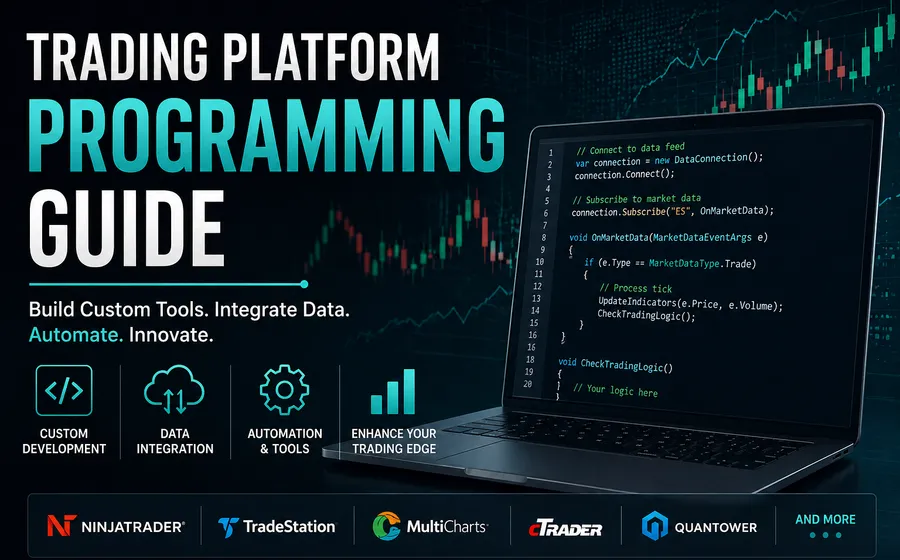
Trading platform programming is not one generic service. NinjaTrader, TradeStation, MetaTrader, MultiCharts, TradingView, Interactive Brokers TWS, and custom software all have different strengths, limits, languages, and deployment patterns.
This guide helps you decide which platform path fits the work before you spend money on code.
Start with the job, not the platform
The best platform depends on what the software needs to do.
Start by answering:
- Is this an indicator, strategy, alert, dashboard, add-on, or external tool?
- Does it need to place orders?
- Does it need to run unattended?
- Does it depend on broker integration?
- Does it need custom UI, database storage, reporting, licensing, or downloads?
- Does it need to run inside a charting platform or outside the platform?
- Does it need an agent to monitor context, call approved tools, or escalate exceptions?
Once the job is clear, platform fit becomes easier.
NinjaTrader
NinjaTrader is a strong fit for futures traders who need NinjaScript indicators, strategies, add-ons, chart tools, order-management workflows, and platform-specific automation.
Use NinjaTrader programming when the work needs to live inside NinjaTrader 8. Use the NinjaTrader platform page when you are still deciding between products, custom code, repairs, conversions, or support.
For deeper planning, read the NinjaTrader programming guide.
TradeStation
TradeStation is often a fit when the workflow is already written in EasyLanguage or when the trader is committed to TradeStation’s platform and brokerage environment.
Use TradeStation programming for EasyLanguage indicators, strategies, conversions, debugging, and platform-specific code cleanup.
MetaTrader
MetaTrader is usually relevant for forex, CFD, and EA-style workflows. MT4 and MT5 are different enough that the version matters before quoting.
Use MetaTrader programming when the work involves MQL4, MQL5, expert advisors, indicators, signal tools, or conversion from another platform.
MultiCharts
MultiCharts is a strong platform for traders using PowerLanguage, portfolio-style testing, or workflows that depend on MultiCharts’ data and broker setup.
Use MultiCharts programming for PowerLanguage work, strategy cleanup, conversions, and platform-specific testing questions.
TradingView
TradingView is useful for indicators, alerts, visual research, and Pine Script workflows. It is often not the same as a full execution environment, so order-routing expectations need to be defined carefully.
Use TradingView programming for Pine Script indicators, alerts, strategy prototypes, and conversion planning.
Interactive Brokers TWS API
Interactive Brokers TWS API work is different from chart-platform scripting. It usually involves external software, API connections, account data, order handling, logging, and failure-case management.
Use TWS API programming when the software needs to integrate with Interactive Brokers outside a charting platform.
Custom trading software
Some projects need more than another platform script. When the workflow includes a custom UI, database, licensing system, reporting layer, checkout flow, or multi-platform coordination, start with custom trading software so the full system is scoped correctly.
Agentic trading software
Agentic trading software is a fit when the work is less about one chart script and more about coordinating a workflow. An agent may monitor market context, account state, platform logs, data files, or broker/API conditions, then produce alerts, reports, staged actions, or reviewable recommendations.
Use agentic trading software when the project needs:
- Monitoring across more than one data source or platform.
- Human-in-the-loop review before sensitive actions.
- Tool or API orchestration with explicit permissions.
- Automated reports, research summaries, or exception logs.
- A clear distinction between what the agent can do and what it must escalate.
How to choose the next step
Use this decision path:
- If the tool must run inside a platform, choose the platform-specific service page.
- If the tool is a product-style need, start with the product catalog.
- If the idea is not clear enough to quote, start with consulting.
- If the work spans multiple platforms or needs custom infrastructure, start with custom trading software.
- If the work needs a supervised workflow agent, start with agentic trading software.
The platform is important, but the workflow matters more. A good quote starts with the behavior the software must produce.