Compare Before Buying
Market Structure Copilot vs manual structure markup
Compare the six-degree indicator, conditional levels, replay, expectancy, and GPT workflow against drawing market structure by hand.

Indicators / NinjaTrader 8
Read six degrees of NinjaTrader market structure, review the exact prices that would confirm or break the thesis, and send the evidence to a purpose-built GPT for a second opinion.
$749.96
October Market Structure Sale price
Regular $999.95 / save $249.99
1 customer review
buyer confidence
Custom GPT
included workflow
Test the free trial before you buy. Refunds cover defective downloads — policy details.
Compare Before Buying
Compare the six-degree indicator, conditional levels, replay, expectancy, and GPT workflow against drawing market structure by hand.
Problem
A swing that looks decisive at one scale can be noise at another. Market Structure Copilot runs six structural degrees over the same chart so the current read is based on agreement, conflict, location, pressure, and the higher-timeframe evidence you choose to enable.
Why it matters
Without named confirmation, invalidation, and beyond levels, a market-structure read can become a story that changes after price moves.
Before
You manually mark swings but still lack a conditional thesis with exact decision prices.
You want to know when structural degrees agree, conflict, or sit in balance.
You need replay and an audit trail instead of relying on hindsight.
After
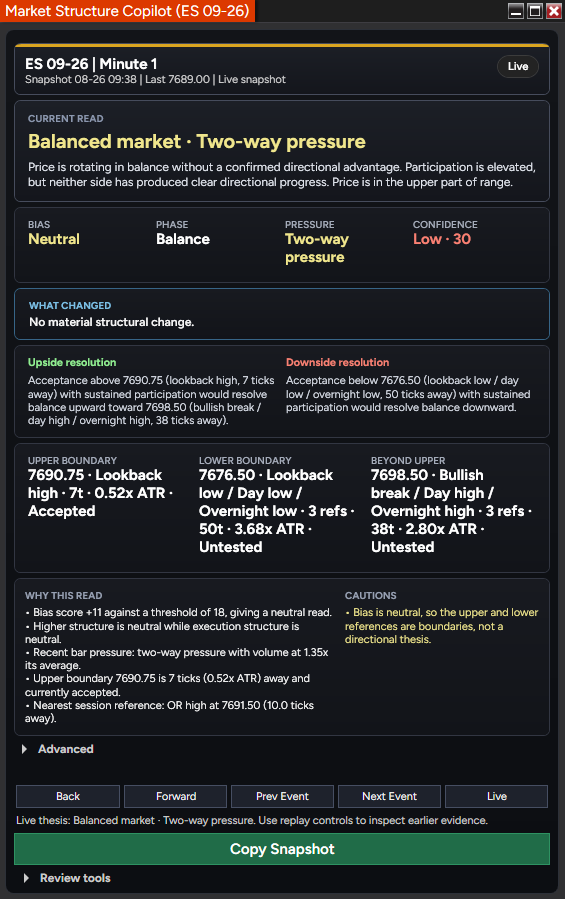
Bias, phase, pressure, confidence, cautions, and structural levels stay in one panel.
Replay controls let you inspect earlier reads without adding them to the track record.
Copy Snapshot gives the GPT raw evidence first so it can agree or disagree with the indicator's conclusion.
Custom GPT Included
Market Structure Copilot copies a readable brief and the complete JSON evidence payload to your clipboard. The purpose-built GPT forms its own read before checking the indicator's conclusion, then explains whether it agrees and returns either a level-anchored plan or a reasoned no-trade.
Indicator + GPT Review Loop
Copy a readable brief plus the complete structure, zone, session, volume, and instrument evidence payload.
Let the GPT form its own read from the raw evidence before it sees the indicator's conclusion.
Receive an agreement or disagreement, a reasoned trade plan, or a clear no-trade with the levels that would change it.
Product Details
Bias, phase, pressure, confidence, cautions, and structural levels stay in one panel.
Enable higher-timeframe evidence, load several weeks of history, and compare the six structural degrees with your own read.
Product questions, trial access, licensing, downloads, and custom follow-up work are handled through Moore Tech so the purchase path stays clear.
Customer Reviews
These customer comments were originally posted on Ninja Code Solutions and are republished here for buyer context.
5.00
average rating from 1 customer review
★★★★★
Verified Owner"I just use this on a couple trades and its mind blowing how good this work. Ninja Codes hit another home run out the park."
ninjaguruai
April 8, 2026
Reviews are customer comments originally posted for this product on Ninja Code Solutions.

Free Trial
Send your name and email. The trial download and access details are emailed to you automatically. If anything about delivery needs a hand, Moore Tech follows up personally.
Use the trial to check:
Workflow Bundle
Save 20% when you want structure, trend, and divergence tools working together for a cleaner NinjaTrader review process.
Get 20% off automatically when all 3 bundle products are in the cart.
Indicators
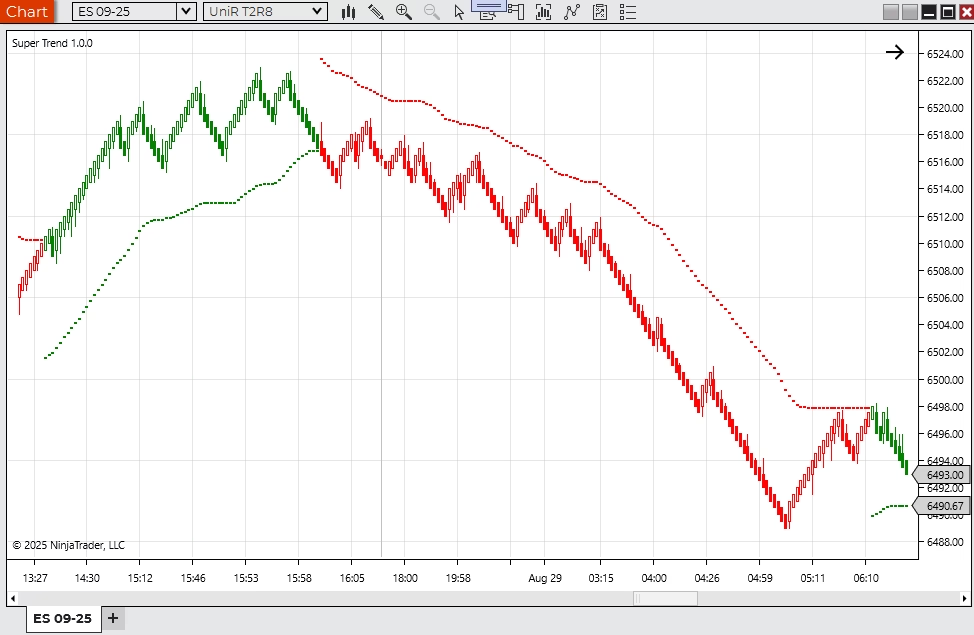
A trend-following NinjaTrader indicator with adjustable visual and alert behavior.
$199.95
Trial available
NinjaTrader 8
Indicators
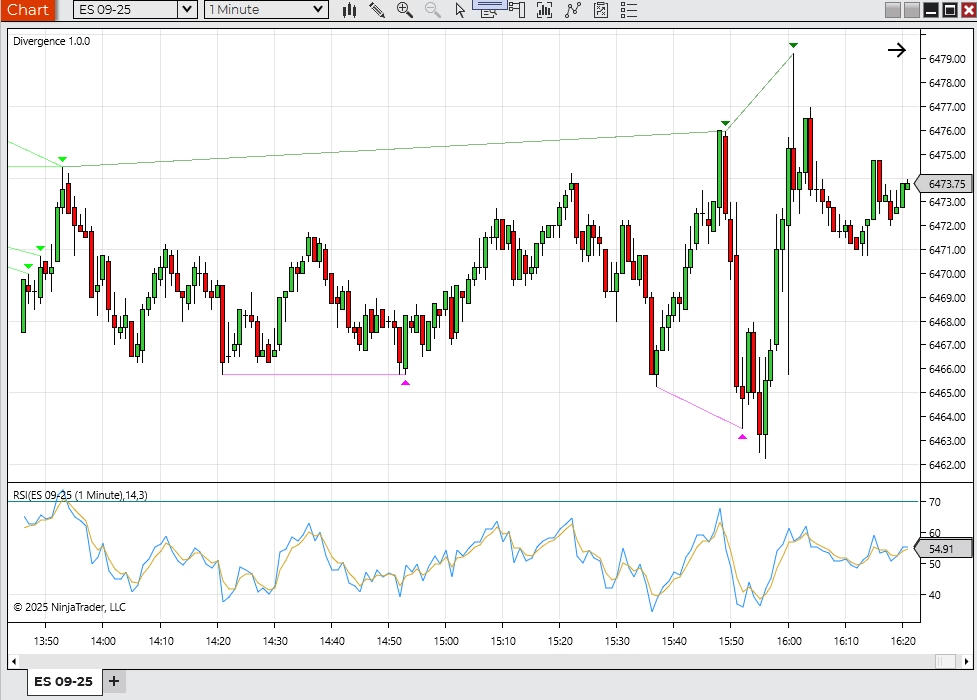
A NinjaTrader 8 divergence indicator for RSI-style momentum and price disagreement review.
$499.95
Trial available
NinjaTrader 8
Related Products
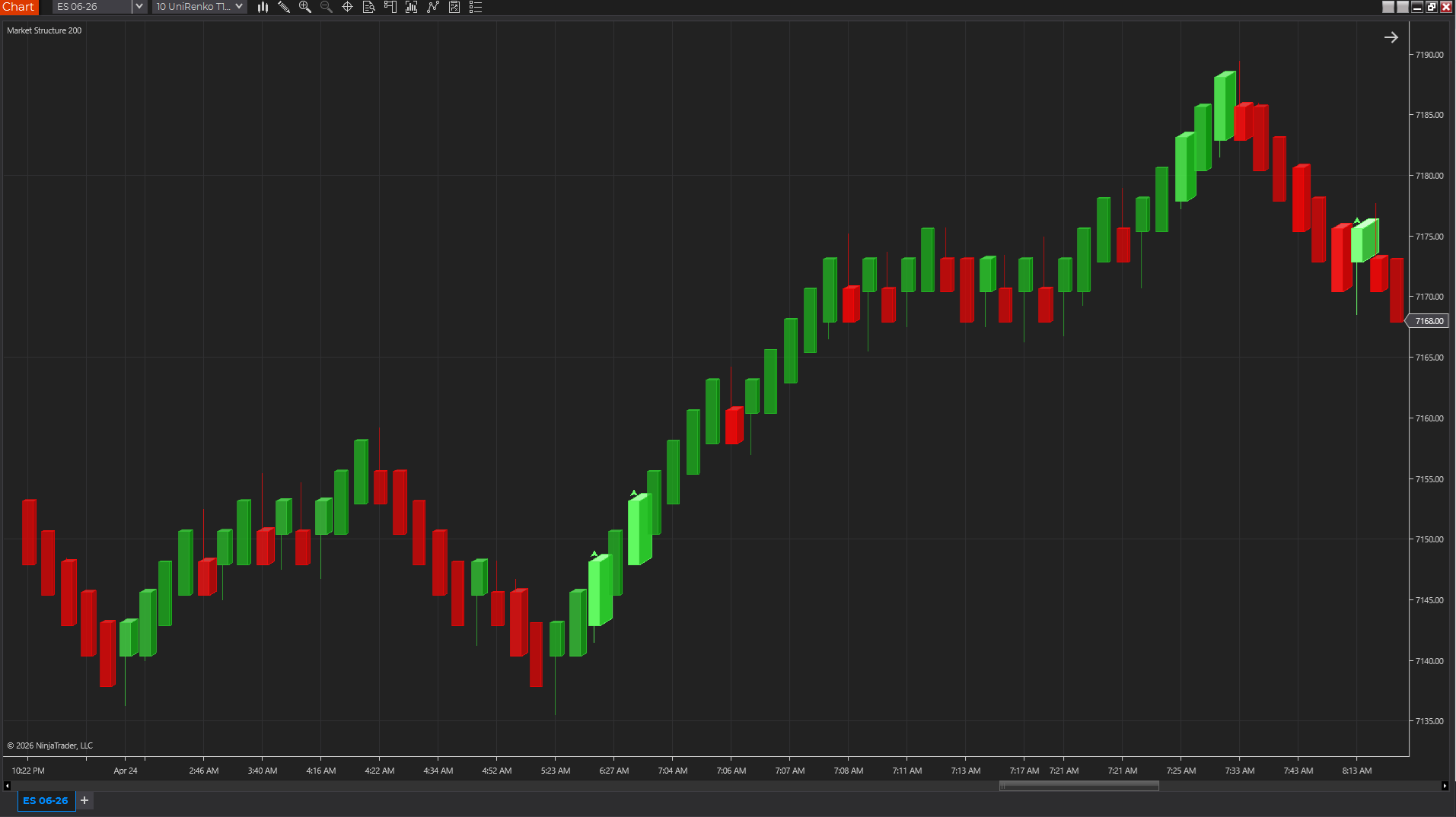
Chart Styles
A 3D-style NinjaTrader chart style that makes relative volume easier to see inside each candle.
$99.99
Trial available
NinjaTrader 8
Indicators
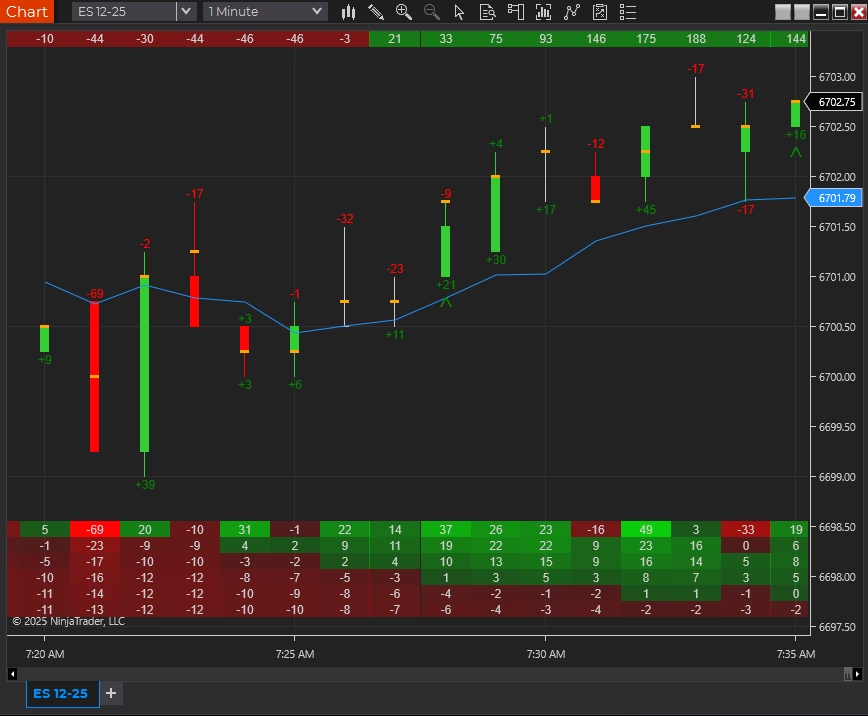
A delta and order-flow suite for traders who follow buying and selling pressure.
$299.95
Trial available
NinjaTrader 8
Bar Types
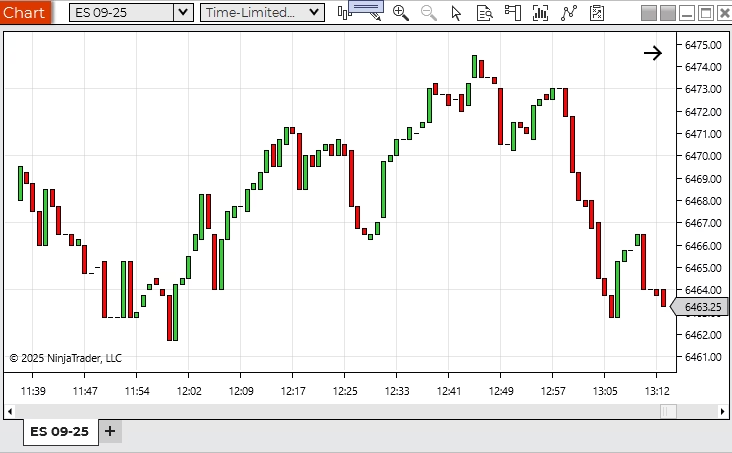
A custom Renko-style bar type with time-aware behavior for cleaner chart workflows.
$199.95
Trial available
NinjaTrader 8
Product Support Guide
Review setup, licensing, troubleshooting, product-fit questions, and next steps for Market Structure Copilot.
Product FAQ
Yes. Submit the free trial request on this page with your name, email, NinjaTrader version, and any notes about your setup. Moore Tech will review the request and follow up with the next step.
Use the trial to confirm that the indicator fits your instruments, chart type, session template, data feed, and normal trading workflow. If anything needs to behave differently, that can become a custom-development conversation.
Evaluate it against the way you trade: platform setup, market, timeframe, review process, and risk controls. Moore Tech products are practical software tools for analysis, charting, automation, and workflow support.
Use the trial first, confirm licensing and machine setup, and ask any refund-policy questions before checkout. Moore Tech can answer product-fit, licensing, support, and policy questions in writing before you buy.
It runs inside NinjaTrader 8, so it works with the market-data connections NinjaTrader supports, such as Kinetick, Rithmic, CQG, and broker-provided feeds. If a product requires secondary symbols such as market internals, that requirement is listed on this page — confirm those symbols with your data provider before purchase.
Your purchase includes updates to the purchased product version and product support through Moore Tech. If a NinjaTrader platform update ever affects behavior, contact support with your NinjaTrader version and a description of what changed, and the compatibility issue becomes a support conversation rather than your problem to solve alone.
No. It is licensed software that installs into your own NinjaTrader 8 platform and runs locally on your charts and data. There is no external signal feed, trade-alert broadcast, or dependency on someone else's calls.
No. Treat it as an analysis and chart-review tool unless a product page explicitly says otherwise. It can support decisions, but trade selection, execution, and risk controls remain your responsibility.
Verify calculation behavior yourself before relying on any indicator: watch how values form on a live or replayed chart versus a reloaded chart, and compare on-bar-close with intrabar calculation for your bar type. The trial exists for exactly this check, and Moore Tech will answer product-specific repaint and calculation questions in writing before checkout.
Test whether it improves a specific part of your process: structure, momentum, volume, trend, pressure, or signal review. If it only adds more visual noise, it is not the right fit for your workspace.
No. It provides conditional decision support: a structural read, supporting evidence and cautions, and the prices that would confirm or invalidate that read. It does not generate entries, size positions, or place orders.
They are six ZigZag retracement thresholds applied to the same chart. Each degree measures the same price action at a different swing size; they are not six separate timeframes.
Yes, when Enable Higher Timeframe Evidence is turned on and its period exceeds the chart period. The setting ships off by default, and the panel states when no genuine higher timeframe is available.
The Copilot rebuilds its track record from the bars loaded on the current chart. It scores whether confirmation or invalidation was reached first, reports expectancy in R, and separates regular from extended trading hours. Nothing is stored on disk unless evidence logging is enabled.
The purpose-built GPT forms its own read from the raw snapshot evidence before checking the indicator's conclusion. It then states whether it agrees, returns a level-anchored plan or a reasoned no-trade, and explains what would change the decision.
Product Next Step
Send your platform version, screenshots if useful, and what you want the tool to help you do. Moore Tech can help with product questions or custom development scope.
FREE 10-PAGE GUIDE · NINJATRADER 8
Get our free Delta & POC Quick-Start Guide, plus practical NinjaTrader tips, new tools and subscriber offers.
Useful whether you are exploring Delta Suite or already using it.