
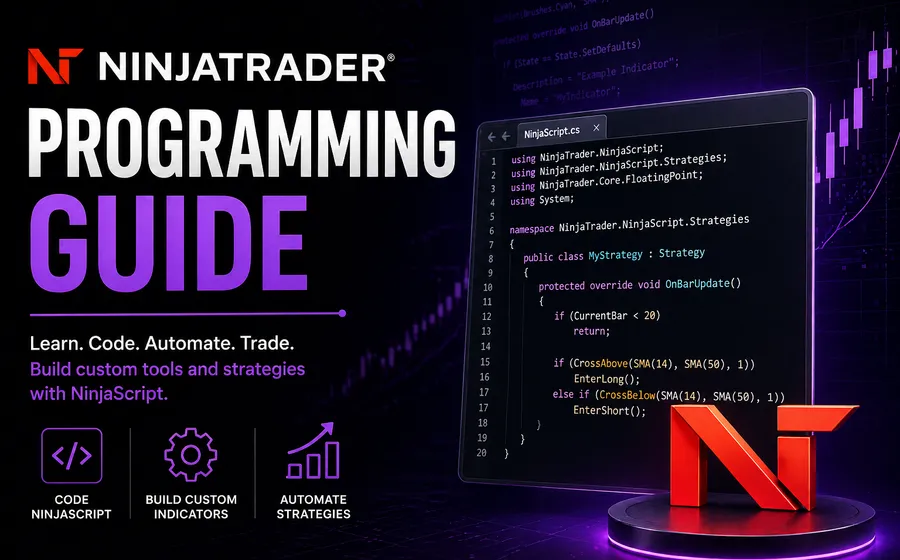
NinjaTrader programming is practical work. A good NinjaScript project turns a trader’s rules, platform setup, data needs, and workflow into software that behaves predictably inside NinjaTrader 8.
This guide explains what can be built, what details matter before quoting, and how to decide between a product, repair, conversion, consulting session, or custom build.
What a NinjaTrader programmer builds
A NinjaTrader programmer can build more than indicators. Most projects fall into one of these groups:
- Custom indicators and chart studies.
- Automated strategies and order-handling tools.
- Add-ons, dashboards, and workflow utilities.
- Alerts and signal tools.
- Bar type, chart style, or volume tools.
- Conversions from TradeStation, TradingView, MetaTrader, or other platforms.
- Repairs and modernization of existing NinjaScript code.
The work usually combines trading logic with platform behavior. That is why a good scope includes both the rules and the NinjaTrader setup.
Start with the platform details
Before code starts, define the practical NinjaTrader details:
- NinjaTrader version.
- Instrument and market.
- Chart type, bar size, and session template.
- Data feed assumptions.
- Indicator inputs.
- Entry and exit rules.
- Whether the tool should draw, alert, trade, export data, or manage orders.
- Expected behavior after reloads, disconnects, rejected orders, or manual changes.
These details determine how the code needs to be structured and tested.
Indicators, strategies, and add-ons are different projects
An indicator usually reads chart data and displays information. A strategy can place orders. An add-on can create custom windows, manage workflows, integrate with files, or support a broader process.
Those differences matter because the testing and risk profile are different.
An indicator may need visual accuracy and alert timing. A strategy needs order behavior, account handling, start behavior, and failure-case testing. An add-on may need UI design, persistence, file handling, licensing, or workflow-specific controls.
If the project includes live orders, the scope should be more precise.
Repairs and conversions
Not every project should be rebuilt from scratch. Some code can be repaired, cleaned up, or modernized.
A repair may make sense when:
- The tool mostly works but has a clear error.
- The logic is understandable.
- The code is available.
- The platform version changed.
- The issue is isolated.
A rebuild may make more sense when the code is unclear, the original developer is unavailable, the tool was patched repeatedly, or the requirements have changed.
Conversions are similar. A TradeStation EasyLanguage strategy, Pine Script indicator, or MetaTrader tool may be convertible, but the behavior has to be translated into NinjaTrader terms. Platform differences matter.
How to prepare a request
The fastest way to get a useful quote is to send:
- A plain-English description of the desired behavior.
- Screenshots or a short screen recording.
- Existing code if you have it.
- Example charts with expected signals.
- The platform version and chart setup.
- Inputs, outputs, alerts, and order behavior.
- Any known errors or edge cases.
Avoid sending only an indicator name or a vague idea. A quote is only as good as the behavior being quoted.
Product, consulting, or custom development?
Use a product when an existing tool already solves the problem. Use consulting when the idea needs clarification before money is spent on code. Use custom development when the workflow is specific enough to justify a scoped build.
Useful next steps:
- Review NinjaTrader programming services.
- Compare broader platform fit on the NinjaTrader platform page.
- Read the NinjaTrader automated trading guide.
- Read the NinjaTrader bar types guide.
When you are ready, request a NinjaTrader quote.