Built around a real workflow
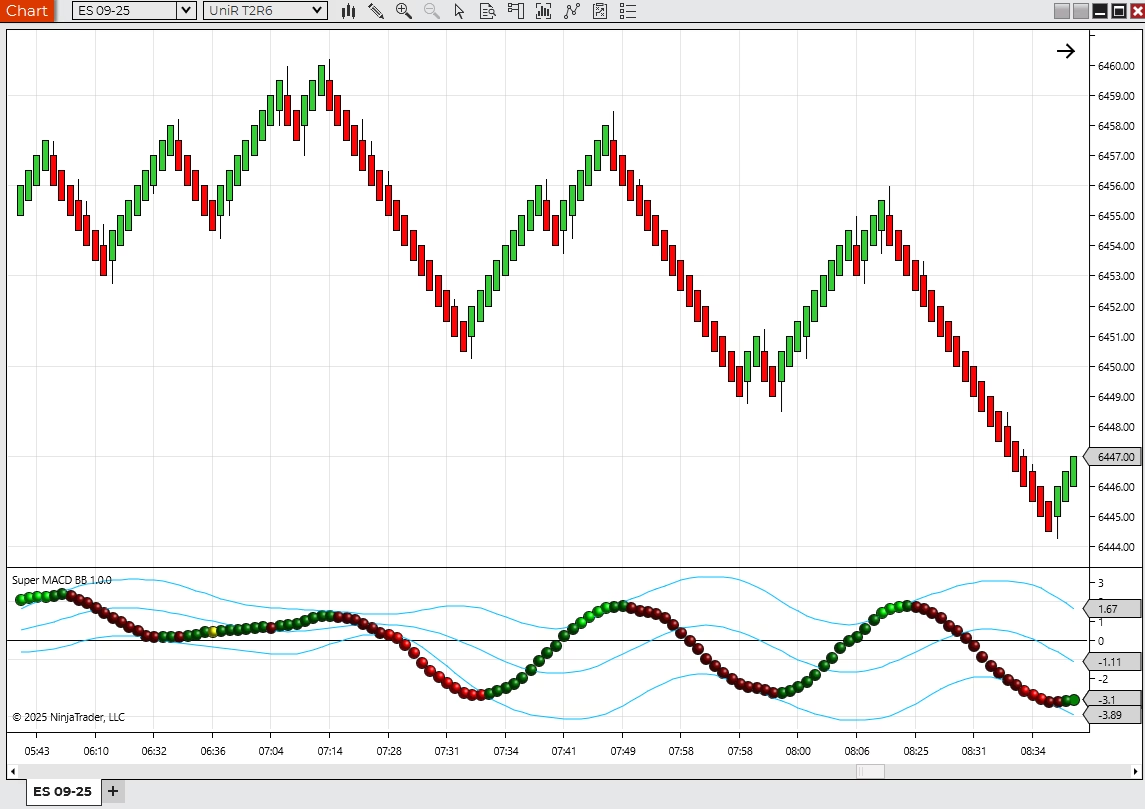
MACD-style momentum and band context sit in one workflow.

Indicators / NinjaTrader 8
Combine momentum and band-style context so chart review does not require bouncing between disconnected tools.
$199.95
current listed price
Trial first
buyer confidence
Stripe
secure checkout
Test the free trial before you buy. Refunds cover defective downloads — policy details.
Problem
MACD-style momentum can be useful, but traders also need to know when that momentum is stretched, compressed, or changing character.
Why it matters
When momentum and band context are evaluated separately, signals can feel slower and less connected to the current chart state.
Before
You use momentum tools but want more context around the signal.
Band-style information is useful, but another separate indicator adds clutter.
You need a focused review tool for momentum changes.
After
MACD-style momentum and band context sit in one workflow.
Momentum changes can be reviewed with broader context.
The tool can simplify a workspace that currently uses multiple indicators.
Product Details
MACD-style momentum and band context sit in one workflow.
Compare the indicator against your current MACD setup.
Product questions, trial access, licensing, downloads, and custom follow-up work are handled through Moore Tech so the purchase path stays clear.

Free Trial
Send your name and email. The trial download and access details are emailed to you automatically. If anything about delivery needs a hand, Moore Tech follows up personally.
Use the trial to check:
Related Products
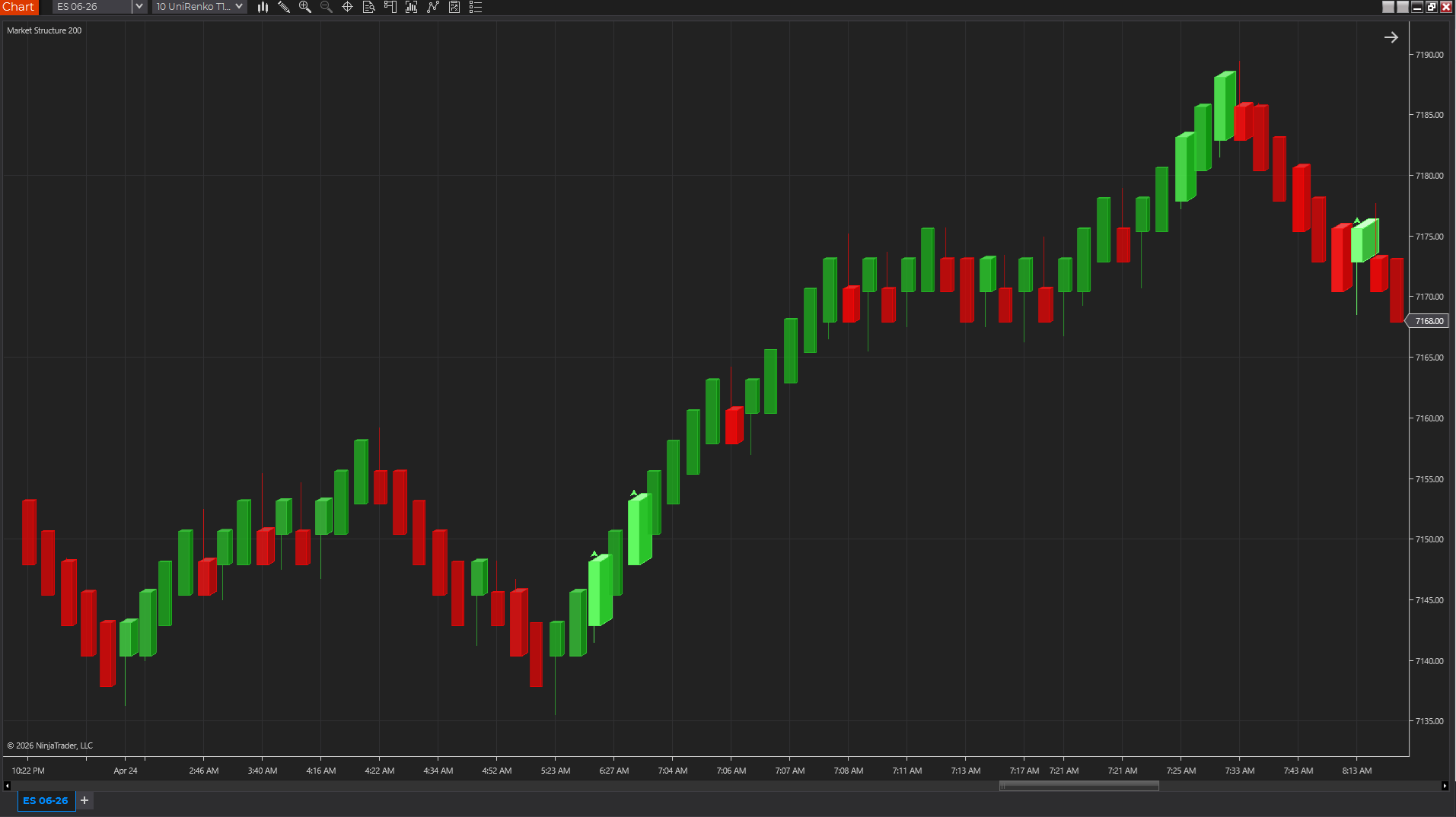
Chart Styles
A 3D-style NinjaTrader chart style that makes relative volume easier to see inside each candle.
$99.99
Trial available
NinjaTrader 8
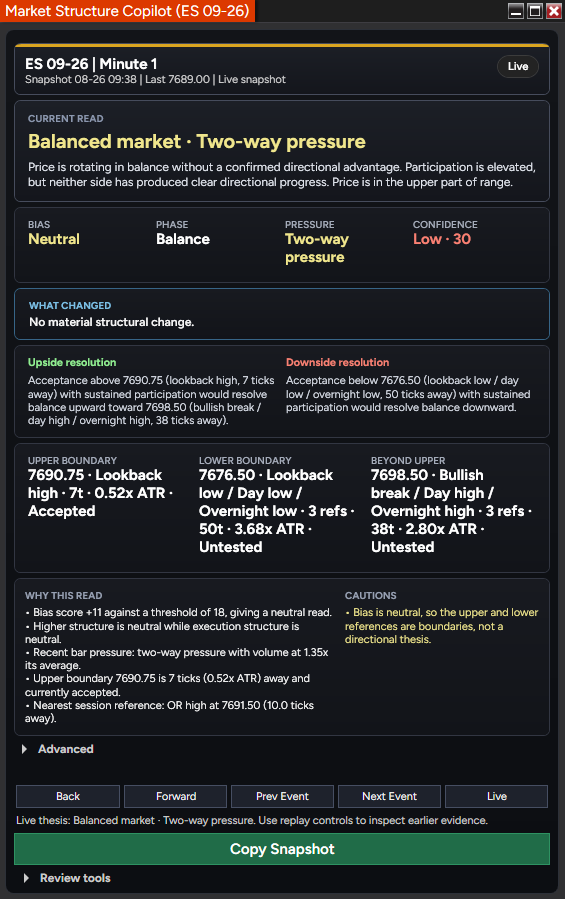
Indicators
A NinjaTrader 8 market-structure indicator with six swing degrees, conditional levels, replay, expectancy tracking, and a snapshot-to-GPT review workflow.
$749.96
$999.95
October Market Structure Sale / save $249.99
Trial available
NinjaTrader 8
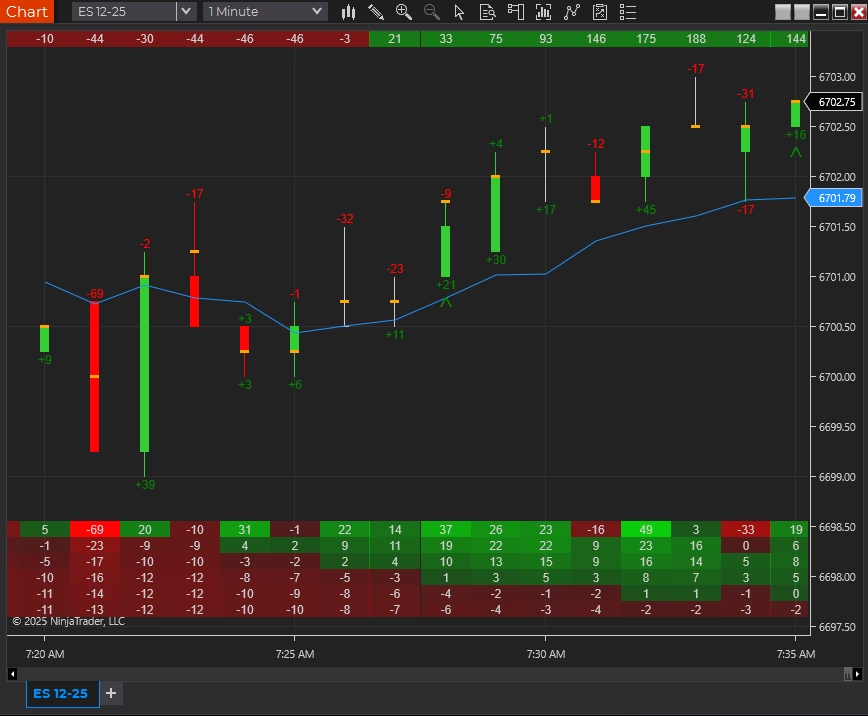
Indicators
A delta and order-flow suite for traders who follow buying and selling pressure.
$299.95
Trial available
NinjaTrader 8
Product Support Guide
Review setup, licensing, troubleshooting, product-fit questions, and next steps for Super Macd BB.
Product FAQ
Yes. Submit the free trial request on this page with your name, email, NinjaTrader version, and any notes about your setup. Moore Tech will review the request and follow up with the next step.
Use the trial to confirm that the indicator fits your instruments, chart type, session template, data feed, and normal trading workflow. If anything needs to behave differently, that can become a custom-development conversation.
Evaluate it against the way you trade: platform setup, market, timeframe, review process, and risk controls. Moore Tech products are practical software tools for analysis, charting, automation, and workflow support.
Use the trial first, confirm licensing and machine setup, and ask any refund-policy questions before checkout. Moore Tech can answer product-fit, licensing, support, and policy questions in writing before you buy.
It runs inside NinjaTrader 8, so it works with the market-data connections NinjaTrader supports, such as Kinetick, Rithmic, CQG, and broker-provided feeds. If a product requires secondary symbols such as market internals, that requirement is listed on this page — confirm those symbols with your data provider before purchase.
Your purchase includes updates to the purchased product version and product support through Moore Tech. If a NinjaTrader platform update ever affects behavior, contact support with your NinjaTrader version and a description of what changed, and the compatibility issue becomes a support conversation rather than your problem to solve alone.
No. It is licensed software that installs into your own NinjaTrader 8 platform and runs locally on your charts and data. There is no external signal feed, trade-alert broadcast, or dependency on someone else's calls.
No. Treat it as an analysis and chart-review tool unless a product page explicitly says otherwise. It can support decisions, but trade selection, execution, and risk controls remain your responsibility.
Verify calculation behavior yourself before relying on any indicator: watch how values form on a live or replayed chart versus a reloaded chart, and compare on-bar-close with intrabar calculation for your bar type. The trial exists for exactly this check, and Moore Tech will answer product-specific repaint and calculation questions in writing before checkout.
Test whether it improves a specific part of your process: structure, momentum, volume, trend, pressure, or signal review. If it only adds more visual noise, it is not the right fit for your workspace.
Product Next Step
Send your platform version, screenshots if useful, and what you want the tool to help you do. Moore Tech can help with product questions or custom development scope.
FREE 10-PAGE GUIDE · NINJATRADER 8
Get our free Delta & POC Quick-Start Guide, plus practical NinjaTrader tips, new tools and subscriber offers.
Useful whether you are exploring Delta Suite or already using it.